
The 2026-27 School Year is starting soon and our technology department is ready to support your child achieve success! Technology provides students with unique and powerful ways to enhance their learning. Details for the 2026-27 technology program are noted below in regards to the devices, the usage fees and your payment options.
As a reminder, at the May 11th school board meeting, the school board officially approved the transition from a Bring Your Own Device (BYOD) model to school-managed, school-issued Chromebooks starting in the upcoming 2026-2027 school year. This transition will begin for any students in grades 5-9, with plans to extend into grades 10-12 in the following school years. Students currently in grades 10-12 will not be affected by this decision.
Please note that any students in grades 6-8 who were utilizing the BYOD model will no longer be permitted to use a personal device next school year. These students will be required to transition to a school-issued Chromebook for the upcoming 2026-2027 school year.
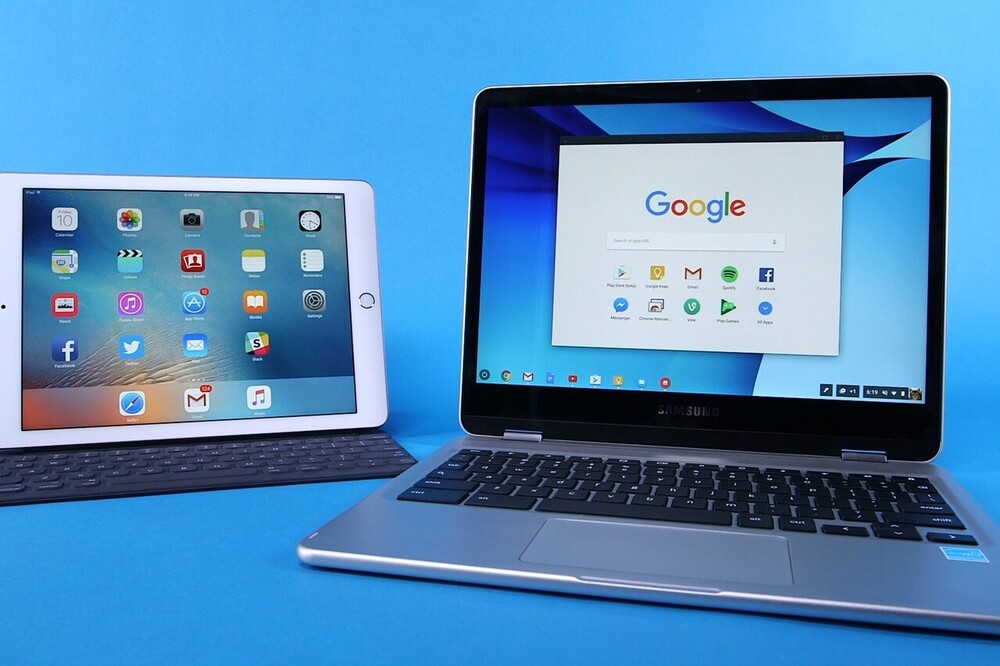
Middle School and High School students in grades 6-9 will use a school issued Chromebook. High School students in grades 10-12 can either use a school issued windows device or BYOD ((Bring Your Own Device.
Bear Cave Intermediate students in grades 3rd and 4th will use a school-owned iPad device. The iPad will remain in the classroom and students will not be taking them home. The usage fee will be the mandatory insurance fee of $20 for Grades 3 and 4.
5th Graders will use Chromebooks and the usage fee is below.
The usage fee, which includes the mandatory insurance fee, is based on their lunch status:
Regular lunch status: $70
Reduced lunch status: $45.00
Free lunch status: $20.00
If your child is going to use a school-owned laptop; the fees are the same as indicated above.
If your child has used a school-owned laptop – but – is going to change to the BYOD program this fall; email the tech dept to let them know. A dept. rep will email you the Opt-Out form and further instructions. Email: BYODoptout@ssdtigers.org
If your child is in the BYOD program and will bring the same device we have on record; they do not need to do anything this year. If your child is in the BYOD program – but – has a different device than what we have on record then they will need to bring the new device to the tech department after school starts so that we can record that info in our inventory and put the new device on our BYOD wireless network.
Options to pay for a school-owned device in our 1:1 program:
Online Payment Option > go to the school website www.ssd.k12.mn.us click on FEE PAYMENTS on the right hand side of the site and then click on: Log in with Skyward; enter your skyward family access Login ID & password; click tech fee on the left under categories. (* Must have previously logged in to family access prior to using the “Log in with Skyward” link so do that first if you’ve never logged into your family access account which is your parent portal)
Drop off payment: Make a check payable to Stewartville Public Schools. If cash, it must be an exact cash payment in an envelope with your child(ren)’s name on the envelope. Note No change will be available to return. Hours* Monday – Thursday, from 7:30AM – 3:30PM. A drop-box located on the wall outside the Technology Office at the HS/MS building. If you do not know your lunch status/fee payment amount; email registration@ssdtigers.org for assistance
Mail payment:
Stewartville Public Schools, Attn: Tech Dept.; 301 2nd St SW, Stewartville MN 55976
To avoid any delay in your child getting their device, please pay prior to the back-to-school events.
NEW WEBSITE:
The district has a new website! Please check it out at www.ssd.k12.mn.us. You can also download the district app in the Apple App Store or Google Play Store by searching for “Stewartville School District”. Once downloaded you can receive instant notifications.
Thank you! Stewartville Schools Technology Department
Any questions, email: 1to1help@ssdtigers.org